Sign-in email not arriving, expired or blocked
The sign-in link works once and expires in 10 minutes. If it fails, request a new one at remembite.com/login.
The email does not arrive
- Wait a minute. Delivery can be slow.
- Check your spam folder.
- Check the address on the form. A typo sends the link elsewhere.
- Request a new link.
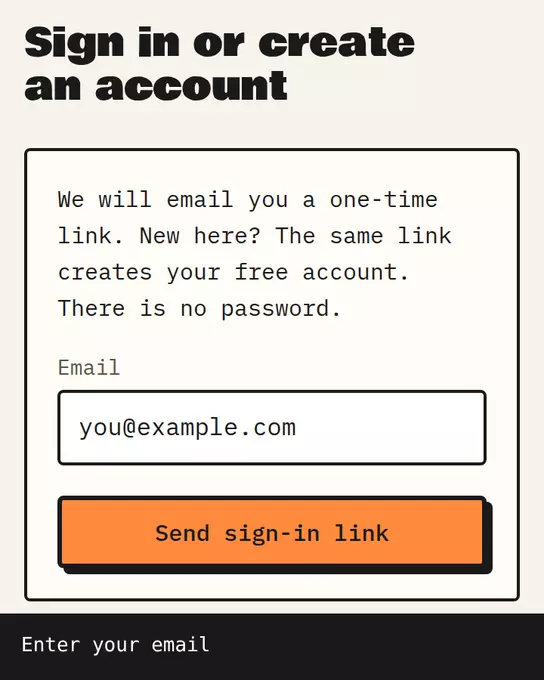
Sample data The Remembite sign-in page: enter your email, then open the one-time link we send.
"Enter a valid email address."
The address was not accepted. Fix the typo and choose Send sign-in link again.
"We could not send your sign-in email just now"
Remembite retries once on its own. If that also fails, your email stays in the box. Wait a minute and choose Send sign-in link again.
The link says it expired
Links expire after 10 minutes and work once. Request a new one. Open the link from the email.
"Too many attempts"
Remembite limits how often sign-in links can be requested. Two messages exist:
| Message | What to do |
|---|---|
| "Too many sign-in attempts. Please wait a minute and try again." | Wait a minute, then try again. |
| "Too many sign-in links were requested for this address. Please try again in an hour." | Use the newest email you already received, or try again in an hour. |
"New sign-ups are paused"
Remembite can pause new accounts. Existing accounts can still sign in.
Still stuck
Write to hello@remembite.com with the email address you used.
Start your own record
Create a free account with your email, then add Remembite to Claude. Want to look first? Watch Claude log a sample day, no account needed.