The Today screen
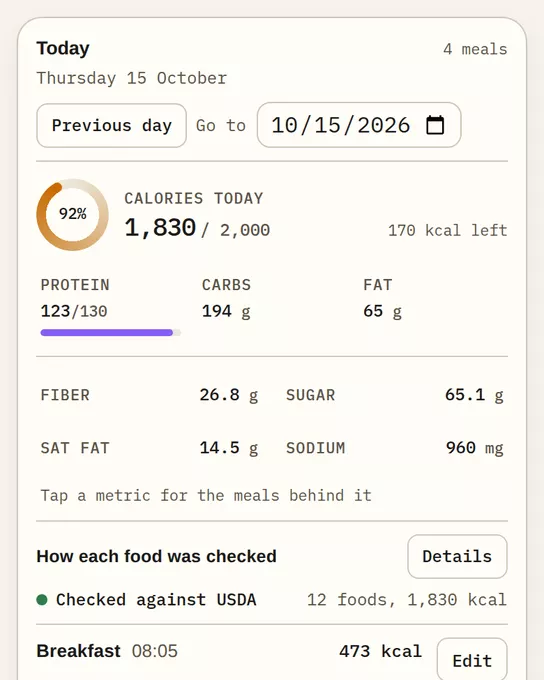
Today shows what you logged on one day: totals, goal progress and each meal. It is the first screen after you sign in at remembite.com/app.
What is on the screen
- Calories today and protein, carbs and fat for the day, against your goals when you set them.
- How each food was checked: one label per food. See When Remembite asks again.
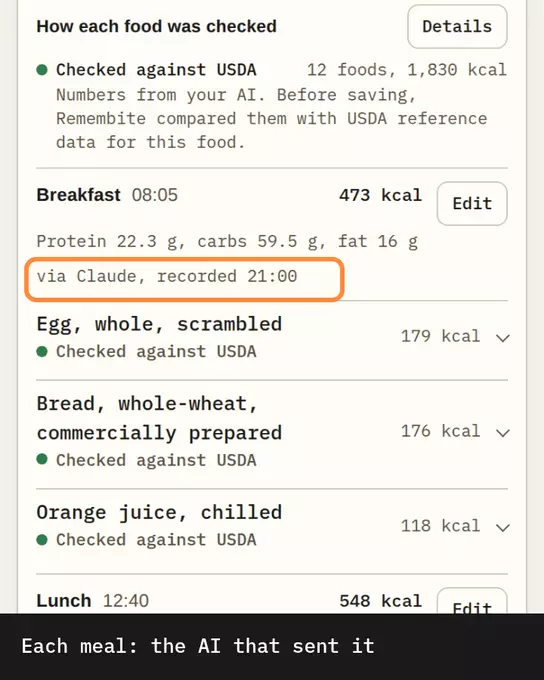
- Each meal, with its time, its foods and Edit.
Tap a food to see its source and how it was checked.
Move between days
- Previous day and Next day buttons.
- Go to date picker. You cannot pick a day in the future.
- Today returns to the current day.
- On a computer, the left and right arrow keys also change the day.
Days follow your time zone. Change it under Account.
First time, nothing logged yet
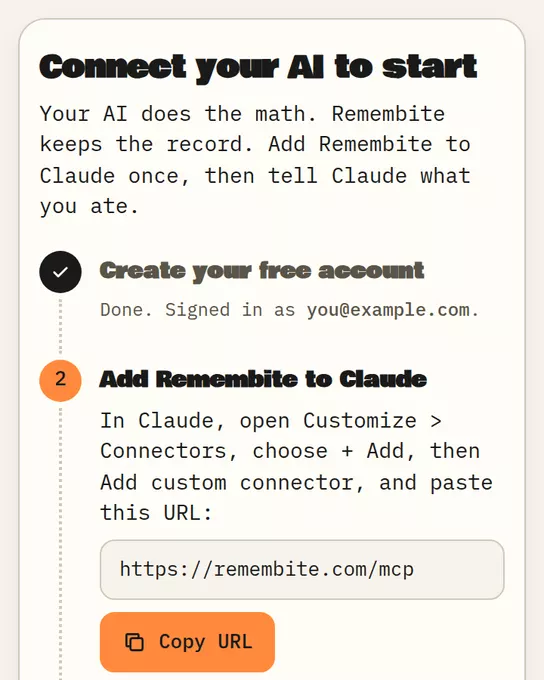
You see the Get started screen: sign in, add Remembite to Claude, log your first meal. It updates by itself when the first meal arrives.
Today card in your AI app
Where your AI app supports it, a small Today card shows the day's total, goal progress and meals inside the chat. Ask: "Show my day."
Good to know
- Numbers are estimates, not measurements, and not medical advice.
- Need the full record? See History.
- Want to try it first? Open the sample dashboard with sample data.
Start your own record
Create a free account with your email, then add Remembite to Claude. Want to look first? Watch Claude log a sample day, no account needed.